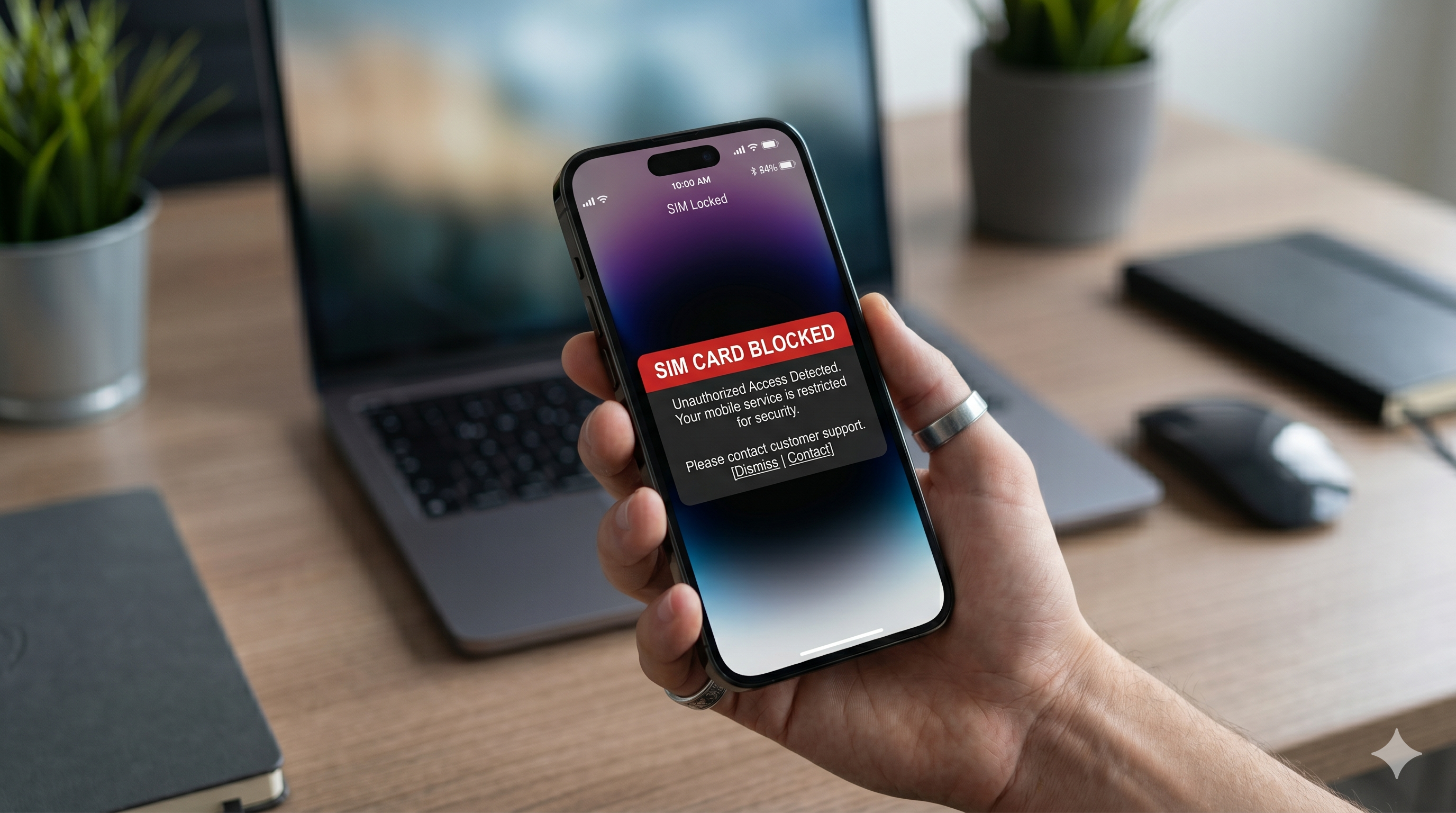
Losing your mobile phone or having it stolen can be a stressful experience. Beyond the cost of replacing the device, there's a significant risk that someone could misuse your SIM card to access calls, messages, banking services, social media accounts, and other sensitive information. Acting quickly to block your SIM card is one of the most important steps you can take to protect your privacy and prevent unauthorized access.
In this guide, we'll explain how to block a lost or stolen SIM card, why it's important, and what additional security measures you should take afterward.
Why You Should Block Your SIM Card Immediately
A SIM card is more than just a tool for making calls. It often serves as a verification method for:
- Online banking transactions
- Social media account recovery
- Two-factor authentication (2FA)
- Mobile wallets and payment apps
- Email account verification
If a thief gains access to your SIM card, they may attempt SIM-based fraud, identity theft, or unauthorized account access. Blocking the SIM as soon as possible minimizes these risks.
Step 1: Contact Your Mobile Network Provider
The fastest way to block your SIM card is by contacting your mobile service provider.
You can do this through:
- Customer service hotline
- Mobile app
- Official website
- Nearest service center or retail store
When contacting support, be prepared to provide:
- Your full name
- Mobile number
- National ID or account verification details
- Recent account activity (if requested)
Once your identity is verified, the provider can immediately suspend or block the SIM card.
Step 2: Request a SIM Suspension
Ask the provider to temporarily suspend or permanently block the SIM card.
Temporary suspension may be useful if:
- You think you may recover your phone.
- The phone was misplaced rather than stolen.
Permanent blocking is recommended when:
- The phone has been stolen.
- You suspect unauthorized activity.
- The device cannot be located.
Step 3: Lock Your Device Remotely
If your smartphone supports remote management features, lock the device immediately.
For Android devices:
- Use Find My Device.
- Lock the phone remotely.
- Display a contact message on the lock screen.
For iPhones:
- Use Find My iPhone.
- Enable Lost Mode.
- Mark the device as lost.
These features can help protect your personal data even if the phone cannot be recovered.
Step 4: Change Important Passwords
After blocking the SIM card, update passwords for critical accounts, including:
- Email accounts
- Banking apps
- Social media profiles
- Cloud storage services
- Messaging applications
Start with your primary email account since many password reset requests are routed through email.
Step 5: Monitor Financial Accounts
Check your bank accounts, credit cards, and mobile wallet transactions for unusual activity.
Look for:
- Unauthorized purchases
- Suspicious login attempts
- Unrecognized account changes
- OTP requests you did not initiate
Report any suspicious activity to your financial institution immediately.
Step 6: Request a Replacement SIM Card
Once your account is secured, you can request a replacement SIM card from your network provider.
In most cases, your existing phone number can be transferred to the new SIM card after identity verification. This allows you to continue using the same number without interruption.
Additional Tips to Protect Yourself
To reduce future risks:
- Enable a SIM PIN code.
- Use strong device passwords.
- Activate two-factor authentication apps instead of SMS-based verification where possible.
- Regularly back up your phone data.
- Keep your device's operating system updated.
Frequently Asked Questions
Can someone access my bank account using my SIM card?
Potentially, yes. If your bank uses SMS verification codes, an attacker could attempt account recovery or transaction verification. This is why immediate SIM blocking is essential.
How long does it take to block a SIM card?
Most mobile providers can block a SIM card within minutes after identity verification.
Will I lose my phone number?
No. In most cases, your provider can issue a replacement SIM card while retaining your existing phone number.
Conclusion
A lost or stolen SIM card can expose your personal information and online accounts to serious risks. The best response is immediate action: contact your mobile provider, block the SIM card, secure your device, and update your account credentials. Taking these steps promptly can significantly reduce the chances of fraud and identity theft.
Remember: the faster you act, the better protected your personal information will be.