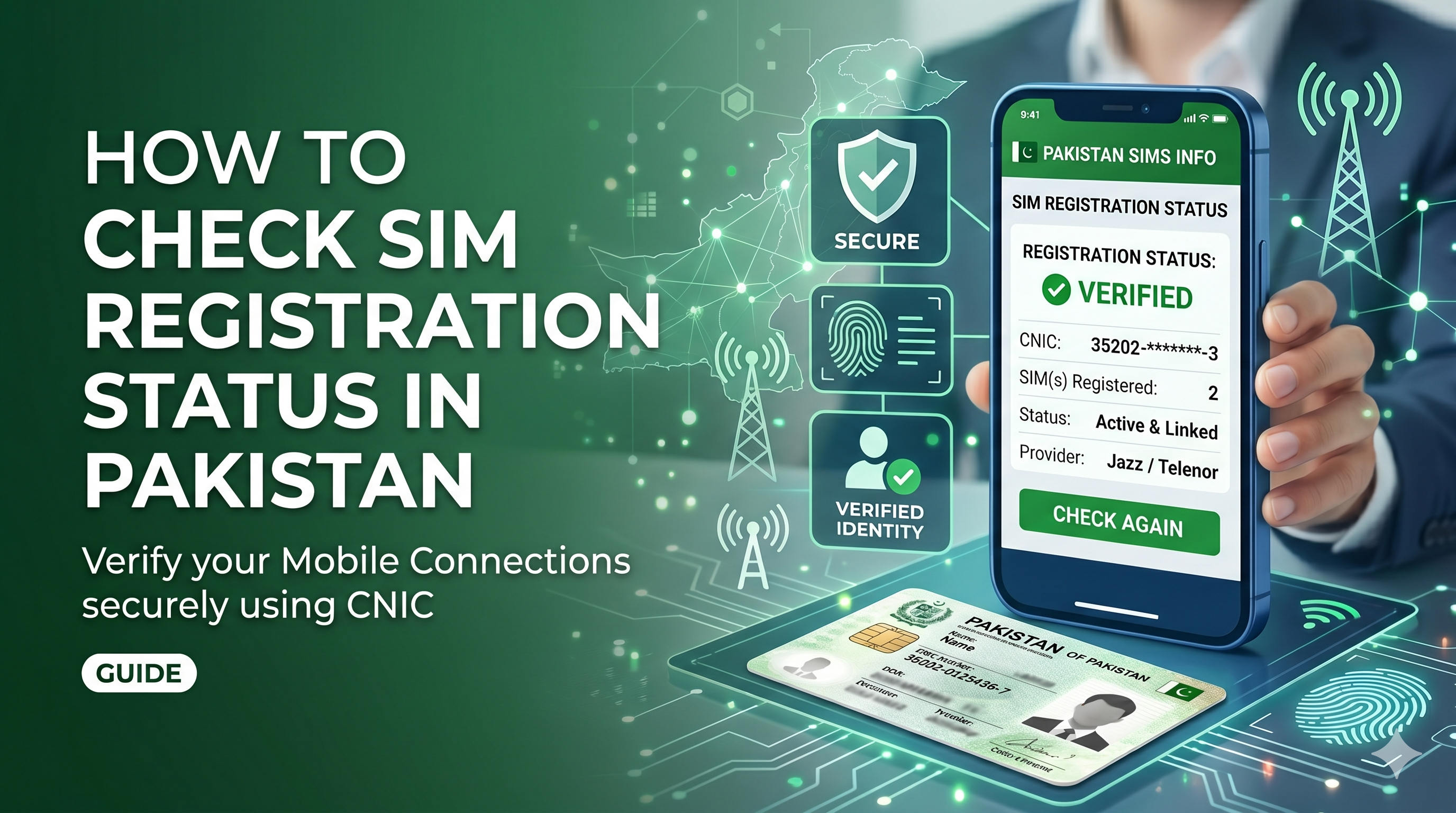
n Pakistan, every SIM card must be registered against a valid Computerized National Identity Card (CNIC) as per the regulations of the Pakistan Telecommunication Authority (PTA). Knowing how many SIMs are registered under your CNIC is important for security, privacy, and preventing unauthorized usage of your identity.
This guide explains the easiest ways to check your SIM registration status in Pakistan.
Why Check Your SIM Registration Status?
Checking your registered SIMs helps you:
- Identify unauthorized SIM cards issued in your name.
- Prevent identity theft and fraudulent activities.
- Stay compliant with PTA regulations.
- Manage your mobile connections effectively.
Method 1: Check SIMs Registered on Your CNIC via SMS
The simplest method is through SMS.
Steps:
- Open the messaging app on your mobile phone.
- Type your 13-digit CNIC number without dashes.
- Send it to 668.
- Wait for a response message.
You will receive an SMS showing the number of active SIMs registered against your CNIC across all mobile networks in Pakistan.
Charges
A small SMS fee may apply depending on your mobile operator.
Method 2: Check SIM Registration Status Online
You can also verify your SIM registration details through the official SIM Information System.
Steps:
- Visit the official SIM Information System website.
- Enter your CNIC number.
- Complete the verification process.
- View the details of SIMs registered under your CNIC.
This method provides a convenient way to access your information from any internet-connected device.
What to Do If You Find an Unknown SIM?
If you discover a SIM card registered in your name that you do not recognize:
- Contact the relevant mobile operator immediately.
- Visit the nearest customer service center or franchise.
- Request verification and block any unauthorized SIMs.
- Report suspicious activity if necessary.
PTA SIM Registration Rules
According to PTA regulations:
- Individuals can have a limited number of SIMs registered against one CNIC.
- Biometric verification is mandatory for SIM issuance and ownership transfer.
- Unauthorized or unverified SIMs may be blocked.
Frequently Asked Questions
How can I check how many SIMs are registered on my CNIC?
Send your CNIC number (without dashes) to 668 via SMS or use the online SIM Information System.
Is checking SIM registration status free?
The online method is generally free, while SMS verification may involve a nominal charge.
Can I block an unauthorized SIM?
Yes. Contact the respective mobile network operator and request the removal or blocking of any unauthorized SIM registered under your CNIC.
Why is SIM verification important?
SIM verification protects your identity, prevents misuse of your CNIC, and helps maintain secure telecommunications services.
Conclusion
Regularly checking your SIM registration status is an important step in protecting your identity and ensuring compliance with PTA regulations. Whether you use the SMS service by sending your CNIC to 668 or the online SIM Information System, the process is quick and straightforward. Make it a habit to verify your registered SIMs periodically and report any suspicious registrations immediately.