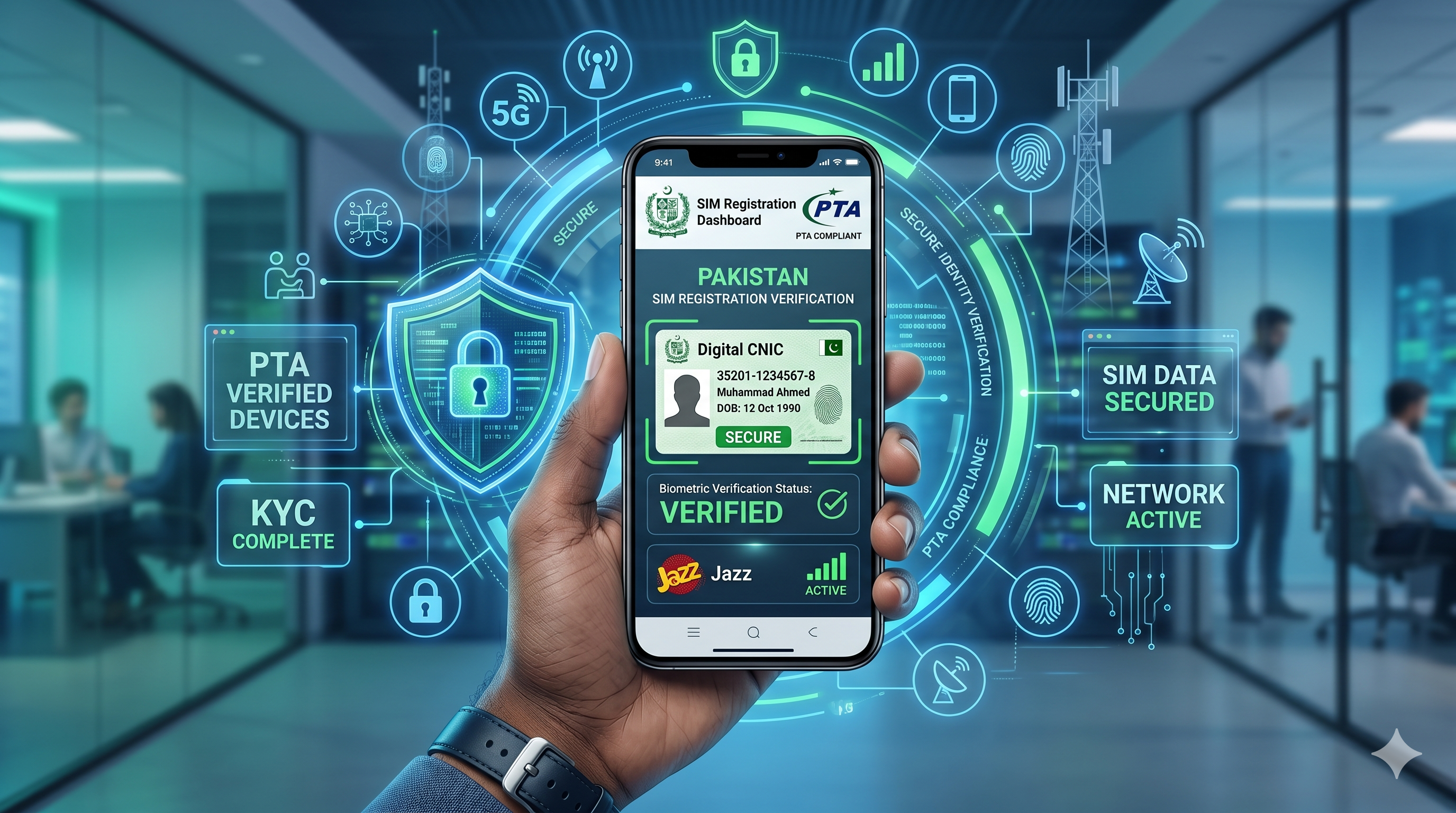
In Pakistan, SIM verification is an important process that helps ensure mobile connections are registered under the correct individual's identity. The Pakistan Telecommunication Authority (PTA) works with mobile network operators to maintain secure SIM registration records and reduce unauthorized mobile usage.
Whether you want to check how many SIMs are registered against your CNIC or verify that your mobile number is properly registered, this step-by-step guide will walk you through the process.
What Is PTA SIM Verification?
PTA SIM verification allows mobile users to confirm the mobile numbers registered against their Computerized National Identity Card (CNIC). This helps prevent identity misuse, unauthorized SIM registrations, and potential fraud.
Regularly checking your SIM registration status is a good security practice and can help you quickly identify any numbers that do not belong to you.
Why SIM Verification Is Important
Verifying your SIM records provides several benefits:
- Protects against identity theft
- Detects unauthorized SIM registrations
- Ensures compliance with telecom regulations
- Helps maintain accurate personal records
- Improves account security
Many people are unaware of how many mobile numbers may be linked to their CNIC. Regular verification helps you stay informed and secure.
Methods to Verify SIMs Registered Against Your CNIC
There are multiple ways to check your SIM registration details.
Method 1: Check Through SMS
One of the simplest methods is using your mobile phone.
Steps:
- Open your phone's messaging app.
- Type your 13-digit CNIC number without dashes.
- Send it to the designated SIM information service number.
- Wait for a response listing the number of active SIMs registered with each mobile operator.
This method is quick and does not require internet access.
Method 2: Verify Through an Online Portal
Users can also check SIM registration information through the official telecom verification portal.
Steps:
- Visit the official SIM information website.
- Enter your CNIC number.
- Complete the security verification process.
- Submit your request.
- Review the displayed information regarding registered mobile connections.
Online verification offers a convenient way to access your registration details from any internet-enabled device.
Method 3: Visit a Mobile Network Service Center
If you need detailed assistance, visit your mobile operator's customer service center.
Steps:
- Bring your original CNIC.
- Request SIM verification services.
- Complete identity verification.
- Review the SIM records associated with your CNIC.
Customer service representatives can help resolve registration discrepancies or update account information.
How to Identify Unauthorized SIMs
After checking your registration details, carefully review the listed SIMs.
Potential warning signs include:
- Mobile numbers you do not recognize
- SIMs from operators you never used
- Unexpected increases in registered connections
- Numbers associated with inactive devices
If you discover any unauthorized registrations, take immediate action.
What to Do If an Unknown SIM Is Registered Against Your CNIC
If you find a SIM card that does not belong to you:
Contact the Mobile Operator
Reach out to the relevant telecom provider and report the issue.
Visit a Customer Service Center
Provide your CNIC and request an investigation into the unauthorized registration.
Request SIM Blocking or Removal
Ask the operator to deactivate or remove unauthorized numbers after completing the required verification process.
Keep Records
Save copies of complaint numbers and communications for future reference.
SIM Registration Limits in Pakistan
Telecom regulations may limit the number of SIM cards that can be registered under a single CNIC. Users should periodically review their registered connections to ensure they remain within permitted limits and that all registrations are legitimate.
Common Issues During SIM Verification
No Response Received
Possible reasons include:
- Network delays
- Incorrect CNIC entry
- Service availability issues
Double-check the CNIC number and try again later.
Information Does Not Match
If registration records appear incorrect:
- Contact your mobile operator.
- Verify your CNIC details.
- Request account review and correction.
Unauthorized Numbers Found
Immediately report the issue to the relevant telecom operator and request assistance.
Tips for Keeping Your SIM Registration Secure
Follow these best practices:
- Never share CNIC copies unnecessarily.
- Avoid posting personal identification documents online.
- Regularly check SIM registration status.
- Report lost or stolen SIM cards immediately.
- Keep mobile account information updated.
- Be cautious of phishing messages requesting personal information.
Frequently Asked Questions
How often should I verify my SIM registration?
Checking every few months is recommended, especially if you frequently use mobile services linked to financial or digital accounts.
Can someone register a SIM using my CNIC without permission?
Unauthorized registrations are rare due to biometric verification requirements, but it is still important to periodically check your records.
Is SIM verification free?
Verification methods and charges may vary depending on the service channel used. Check with your mobile operator for the latest information.
Conclusion
PTA SIM verification is an essential step in protecting your identity and maintaining accurate telecom records. By regularly checking the mobile numbers registered against your CNIC, you can detect unauthorized registrations, reduce the risk of fraud, and ensure your personal information remains secure.
Make SIM verification part of your routine digital security practices and stay in control of your mobile identity.